
Camp Snap Pro CS-PRO Boom Boom Filter
<!-- SEO Title: Boom Boom Reboot - Camp Snap Pro CS-PRO Filter -->
<!-- Meta description (under 160 chars): Boom Boom Reboot, my CS-PRO build of the classic Boom Boom film look. Warm, faded, free download. Easy install for the Camp Snap Pro. Credit to the original. -->
Are you looking for a warm, faded film look for the Camp Snap Pro that does not feel like every other preset out there? I rebuilt one of my favorites. I call this version Boom Boom Reboot, and it has lived on my CS-PRO full time for weeks now.
Camp Snap Pro CS-PRO Boom Boom Filter
Boom Boom started life as a community filter for the original Camp Snap. I loved the look but it was built for the older camera, so I rebuilt it from the ground up for the CS-PRO and tuned it by eye. Full credit to whoever made the original. This Reboot is my port, retuned so it behaves right on the Pro.
The look is an old film print. Lifted shadows, slightly milky highlights, and a warm lean that pulls red up and blue back. Contrast sits just under neutral so nothing reads harsh or digital. Point it at a sunset and it earns its name.
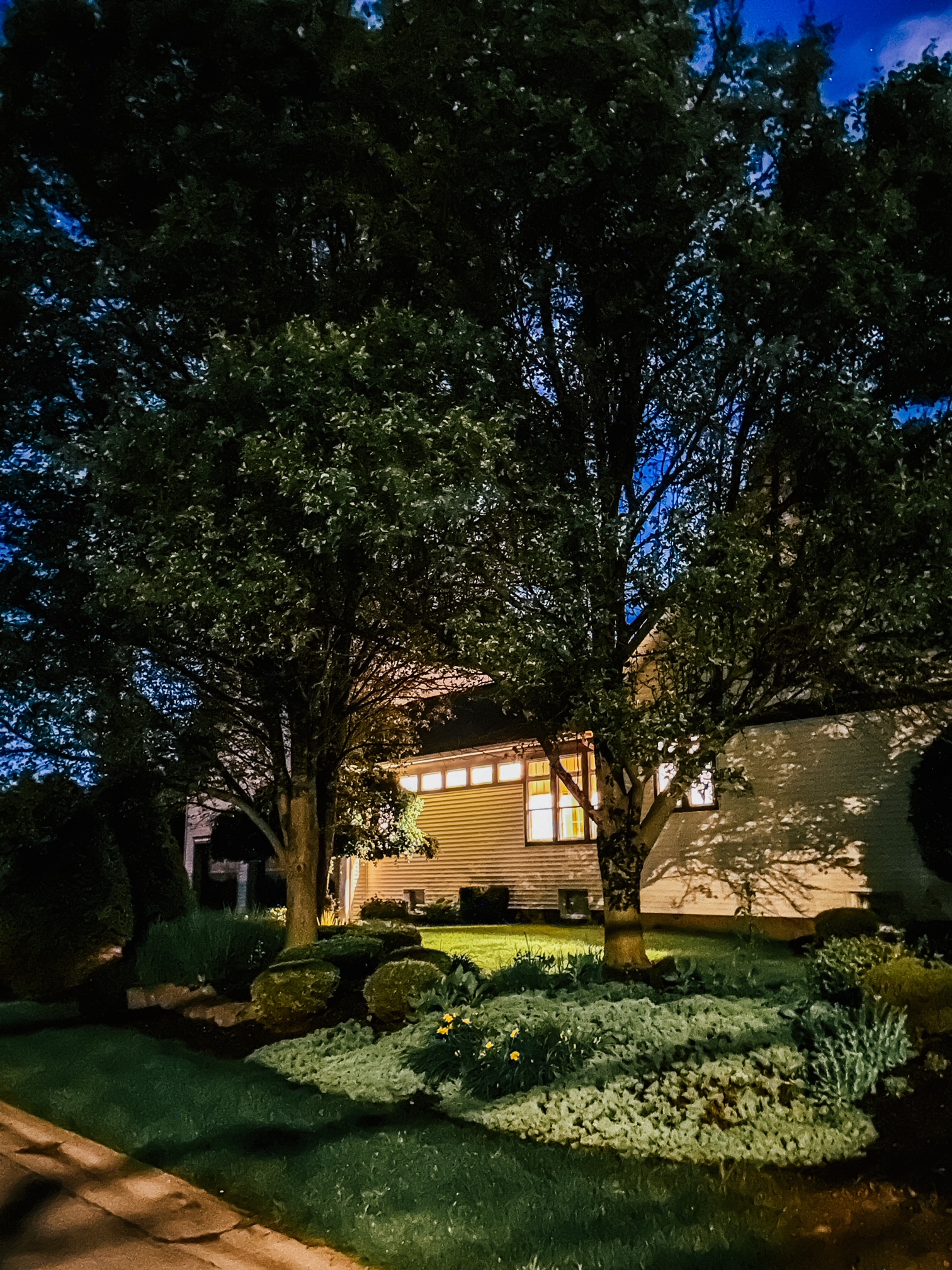
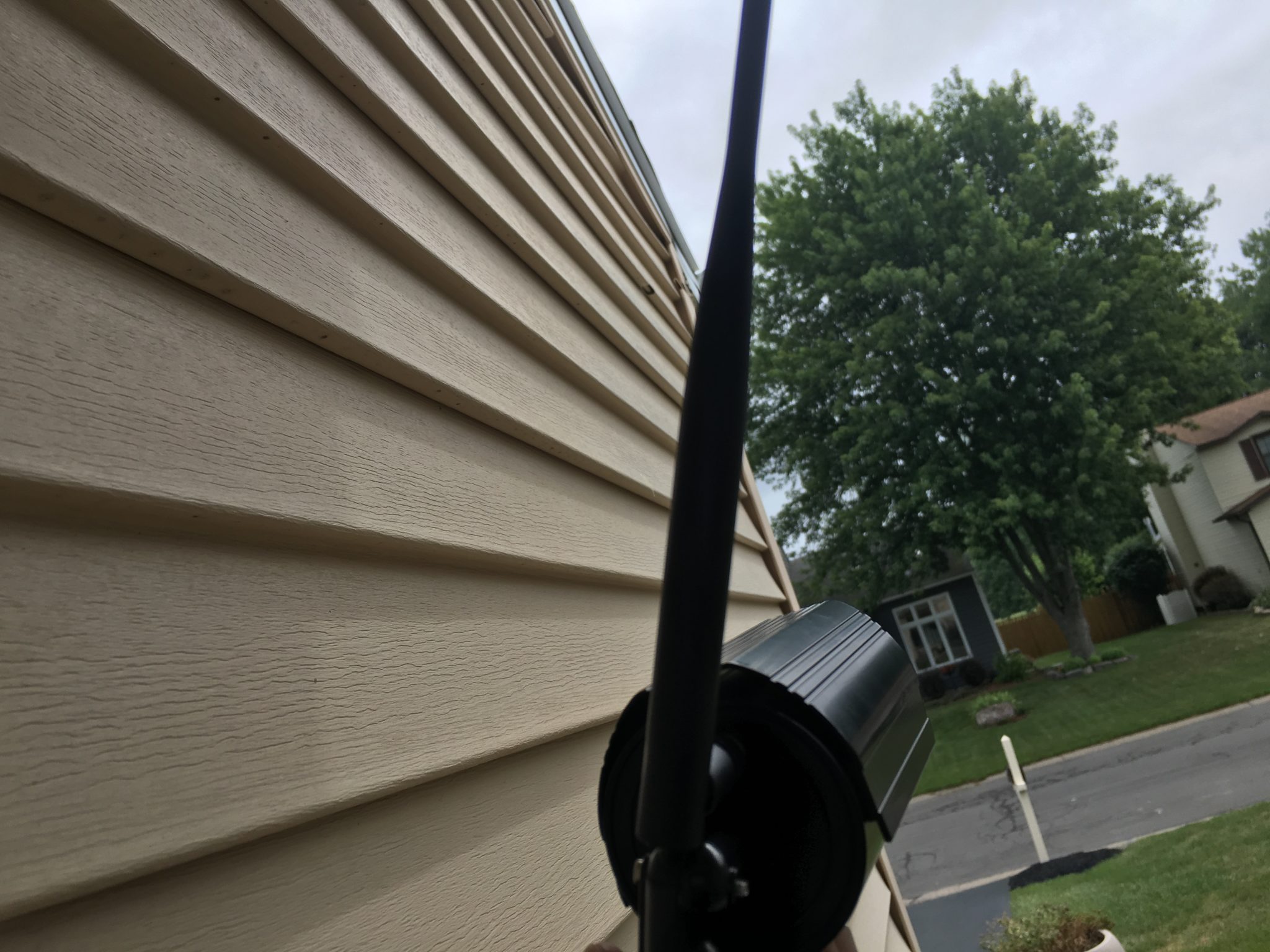
Here are some example photos.

That is VTG1 filter.
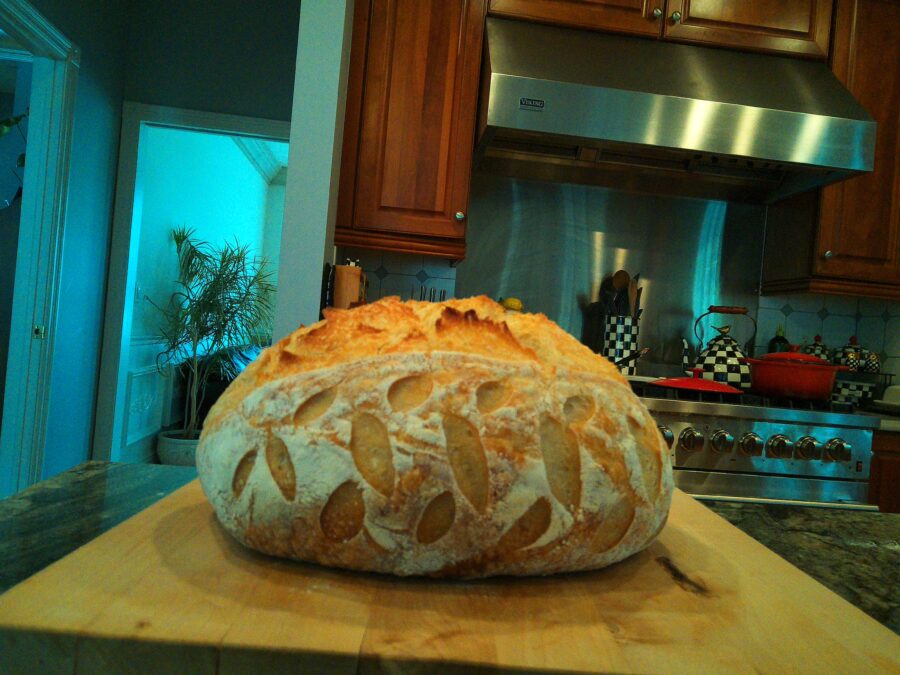
That’s VTG2 Filter.

And this is the Boom Boom Reboot filter.
Download the Boom Boom filter
Free. Grab the file and load it onto your camera.
Download Boom Boom (.zip)
(unzip the .flt file from the zip)
How to install it
- Download the file above.
- Unzip the file – there’s a single .flt file
- Plug your Camp Snap Pro into your computer.
- Copy the file to the main directory of the camera drive. Do not put it inside a folder.
- Rename it to vtg1.flt or vtg2.flt, whichever dial slot you want to replace. Lowercase, exactly like that.
- Eject the camera, power it on, and shoot.
Want to tweak it
The file is just plain text, so open it in any editor and adjust to taste. Shadows feeling too closed? Bump lum from 3 up to 5. Too warm for your eye? Drop rgain to 6. Small changes go a long way on this camera.
Show me what you shoot
If you load Boom Boom and capture something you like, drop it in the comments below. I read every one. The more people who use these and talk about them, the more filters I will build and share right here. So tell me what you want next.